




Getting accepted to college is a huge milestone — congratulations!
One of the most fun ways to celebrate (and meet your future classmates) is by getting featured on your college’s “Accepted Students” Instagram account. If you’ve been scrolling through Instagram and noticed posts from “@acceptedby[CollegeName]” or “@[CollegeName]27”, you’ve probably seen smiling faces, college gear, and proud captions announcing where students are headed next fall.
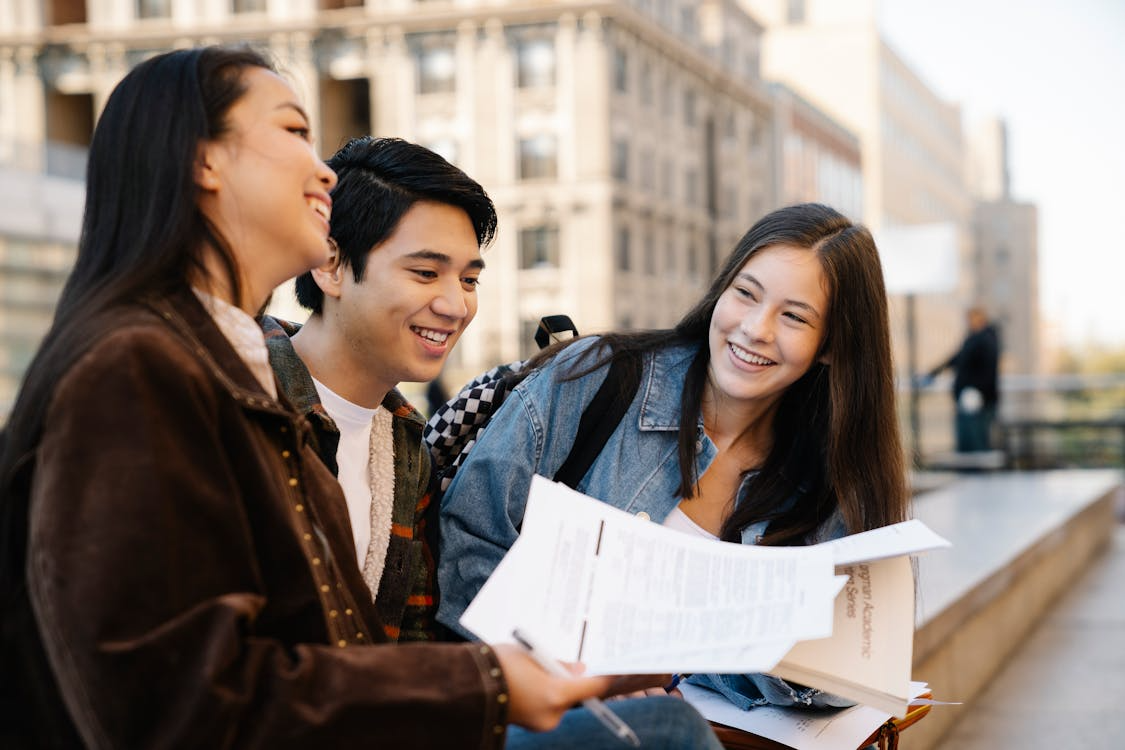
Image Credit: Pak from Pexels
These accounts can be such a helpful way to meet all your classmates and even future roommates, and I highly encourage you to engage with them, as they can make the entire move-in and adjustment process feel easier.
Let us slide into your dms 🥰
Get notified of top trending articles like this one every week! (we won't spam you)Step 1: Find Your College’s Accepted Account
Search Instagram for handles like:
- @acceptedby[SchoolName]
- @[SchoolName]30 (for your class year)
- @official[SchoolName]2030 (for your class year)
Or check your school’s admitted students portal; they sometimes list the official page. Once you find it, look at recent posts to see the style they use and what kind of info they include.

Image Credit: Rimoldi from Pexels


Take the Quiz: What Hobby Should You Try Out?
Find a new hobby to try out!!!
Step 2: Write Your Caption
Your caption is your introduction to your future classmates! It should show off your personality and give others something to connect with. Here’s a simple template you can customize:
Instagram Caption Template:
- Name: [Your Name]
- Hometown: [City, State or Country]
- Intended Major: [Major or “Undecided”]
- Fun Fact: [Something cool or unique about you!]
- Hobbies/Interests: [A few things you love doing]
- Socials (optional, but encouraged): [Snapchat/Instagram handle if you want to connect]
Example #1:
Hi! My name is Jordan Smith, and I am from Los Angeles, CA. I am planning to major in Political Science.Fun Fact: I once met Kylie Jenner at the coffee shop where I work at!
In my free time, I love to hike, play the piano, read poetry, and try new latte combinations (my go-to right now is strawberry creme and fig jam latte). I love to go out but also stay in on the weekends every once in a while. Excited to meet everyone soon! 💙🐶 #Georgetown30
Example #2:
Hey, my name is Kyle, and I am from Austin, TX, but grew up in Boston, MA. I am undecided in my major but am interested in economics and finance. I like to play sports, specifically pick-up basketball.
If you're looking to hoop sometime, feel free to send me a DM. I also like to collect sneakers, play guitar, and listen to music (Brent Faiyaz, PinkPantheress, and J. Cole). Also looking for a roommate, feel free to add me on Snapchat or Instagram.

Image Credit: Chung from Pexels
Step 3: Pick a Great Photo
Choose some clear, happy photos:
- Good lighting (natural light works best!)
- Your face is visible
- Casual but presentable (campus visits are also great additions)
- Avoid group photos unless it’s clearly focused on you
- Anything that showcases your personality, hobbies, or "fun" side
Step 4: Submit Your Post
Most accepted accounts ask you to DM your info and photo to them. Double-check the bio — it’ll usually say something like:
“DM us your name, major, and a photo to be featured!”
If they use Google Forms, fill it out completely and make sure your photo uploads properly.
Some accounts might ask you to pay them a fee, but I would be a bit cautious as it may not be entirely necessary to go that extra step.
Step 5: Engage!
Once your post goes up:
- Like and comment on others’ posts
- Follow classmates
- Join group chats (many accounts link to Discord or GroupMe)
It’s a great way to make friends before you even set foot on campus. Have fun!


.jpg)