





Introduction

Image Credit: 2H Media at Unsplash
These days everyone needs a little organization assistance, as keeping track of assignments and family plans can feel like a nightmare, even if you use a planner. This is where online planning reasources really come into play. They only take a few clicks, a few minutes of typing, and then...bam!
Your entire day is laid out in a simple, easy to read format. Although it may seem primitive, Google Calendar and other similar apps can make even the scattered-brained people feel ready to rumble.
Let us slide into your dms 🥰
Get notified of top trending articles like this one every week! (we won't spam you)School Assignments Organizer
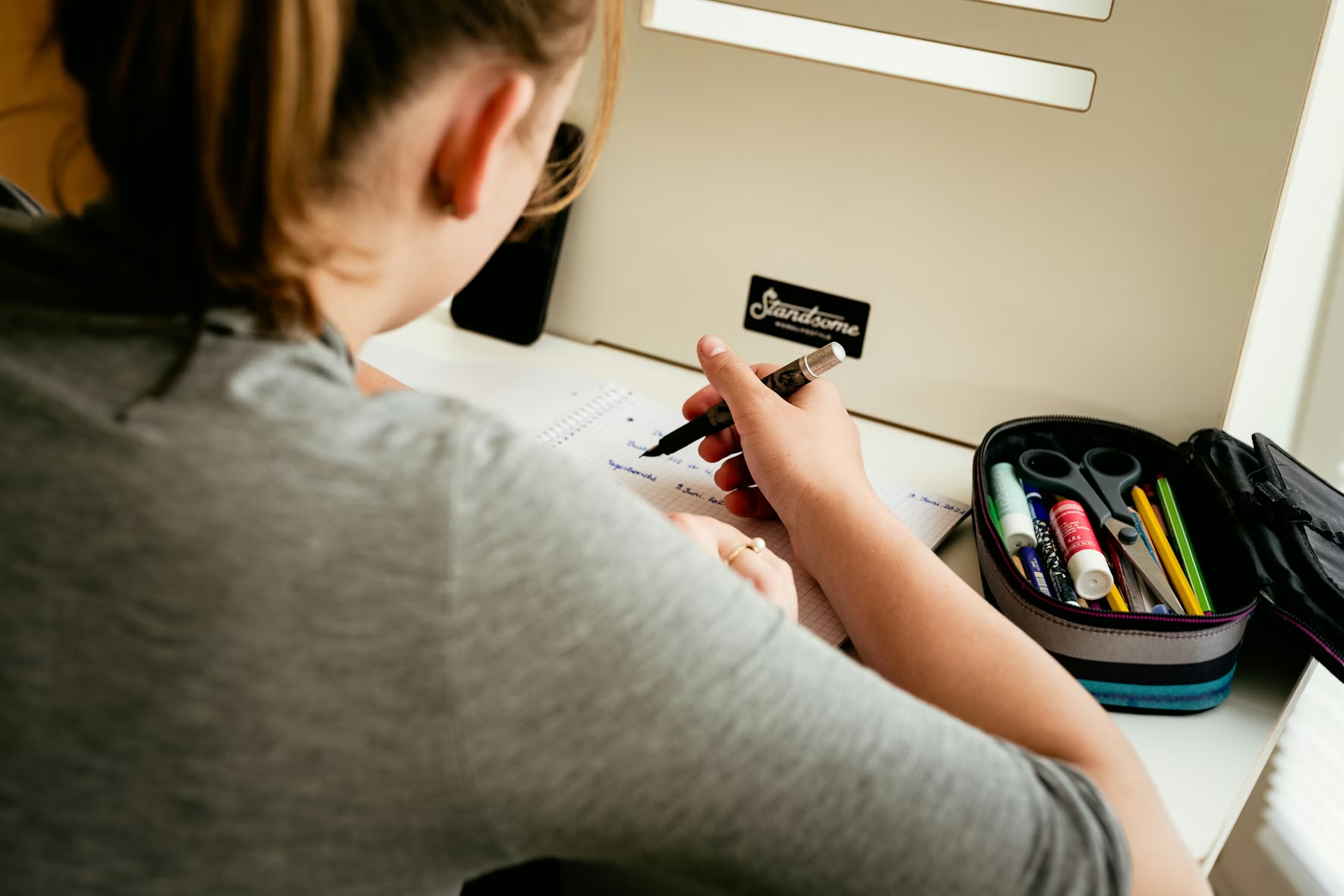
Image Credit: Standsome Worklifestyle at Unsplash
I use Google Calendar especially for my school assigments by inserting them into my school account's calendar. This allows me to, while in class, write down homework and include notes on important information about them. I also use the calendar to time-block my after school time so I can get everything I wanted to get done, done.
Time-blocking is a method of scheduling where you essentially make appointments with yourself. This means for a set amount of time, you are only allowed to do one thing. For example, let’s say I have an essay due on Friday. I would time-block thirty minutes everyday to work on that essay. This method can be useful for people with ADHD but it may need to be less rigid in order to work.
Along with being able to include assignments and set time for them, you can also synch your school account’s Google Calendar to your Canvas account. You can do this by clicking ‘Other Calanders’ on your Google Calander and inserting your Canvas’s calander tab. I find this really helpful because then I don’t need to do a ton of extra work in terms of adding assignments from Canvas.

Take the Quiz: Which Fall Activity Should You Try Next?
Fall is full of exciting activities to match your vibe! This quiz will help you discover the perfect way to enjoy the season.
Family Scheduling

Image Credit: Jimmy Dean from Unsplash
As we get older our loved ones begin expecting more from us and that includes being more active in the planning department as well. In my family for example we have a shared family calander in which each of us puts important events or days on the calendar so let everyone else know what is going on. It’s a quick and easy way of making sure everyone is on the same page in terms of what we are doing this week, this month, or even this year.
It has really helped me and my parents keep track of my extracurriculars so we can plan around them especially when it comes to doctors appointments. Having a family calendar isn’t just convenient but also a great way of showing your maturity.
Conclusion

Image Credit: Estée Janssens from Unsplash
Overall, even if you decide not use Google Calender or Notion, it's always a good idea to have a calendar or planner. Google Calender for me at least, has greatly helped me with planning from school to home. It's allows me to be organized at school without having to bring a personal device and ensures that my family knows everything which is going on with each other.
Being able to share an online planner is helpful, enabling people to time-block and be more efficient. Being able to schedule confidently is the key for any successful person.
